

From first enquirytojob.
MirroCRM connects leads, customers, quotes, jobs, files and payments in one calm operating workspace.
Purpose-built for teams that manage real work after the sale
ContractorsRenovation teamsField servicesInstallersProject-led businesses
One connected system
Run the whole customer journey without rebuilding the context at every stage.
LeadQuoteJobPaid
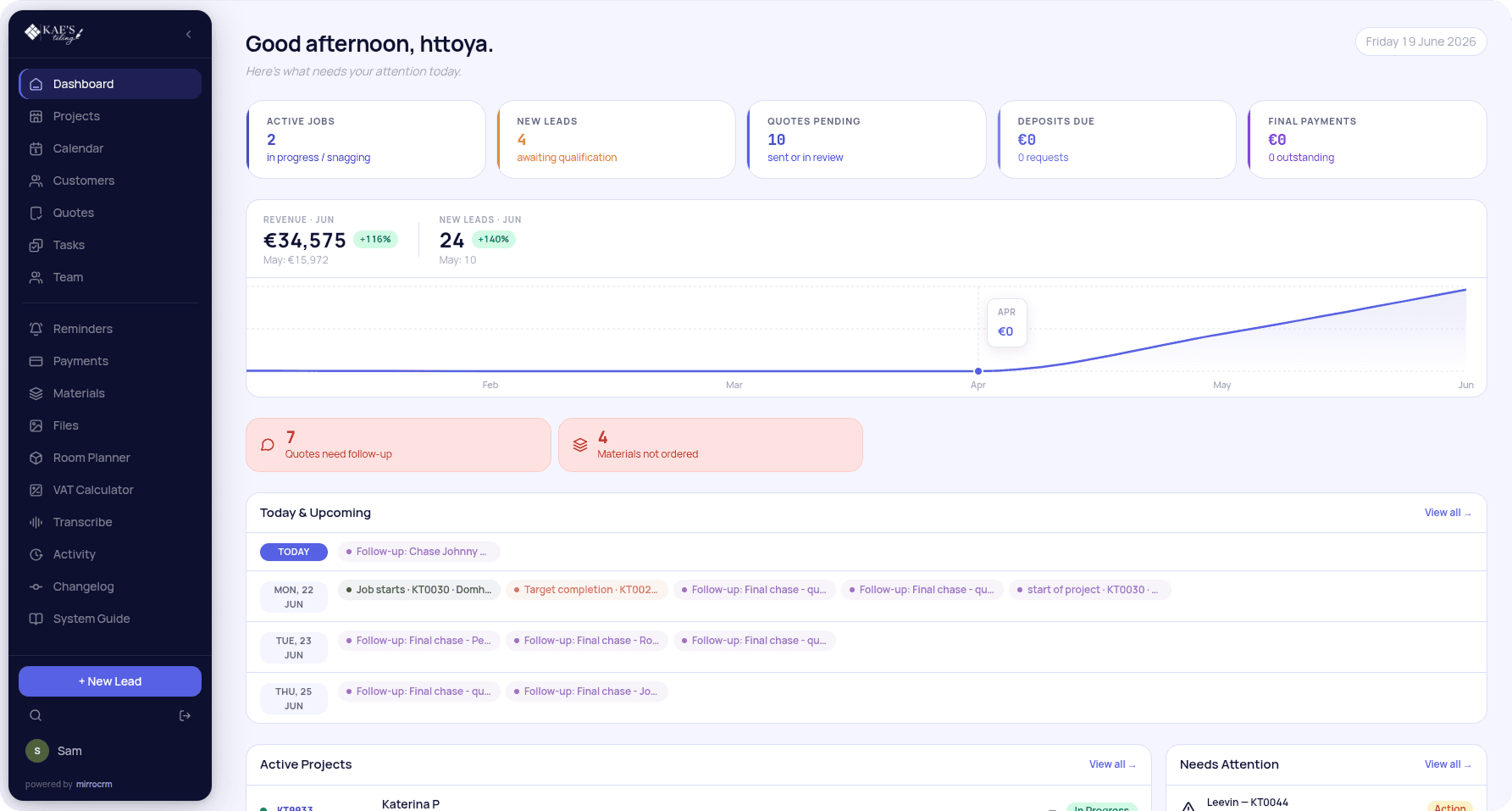
Live workspace view
See what needs attention before it becomes a problem.
Onesource of truth
Clearteam ownership
Visiblenext actions
The operating chain
Move the work forward without losing the details.
01 · Capture
Every enquiry starts in one clear queue.
Website leads, calls and referrals arrive with the source, owner and next action already attached.02 · Customer
The customer record keeps the relationship together.
Contact details, addresses and history stay in one durable account that every project links back to.03 · Quote
Scope, price and approval stay attached to the job.
Quote versions and customer-facing links move forward with the work instead of being rebuilt later.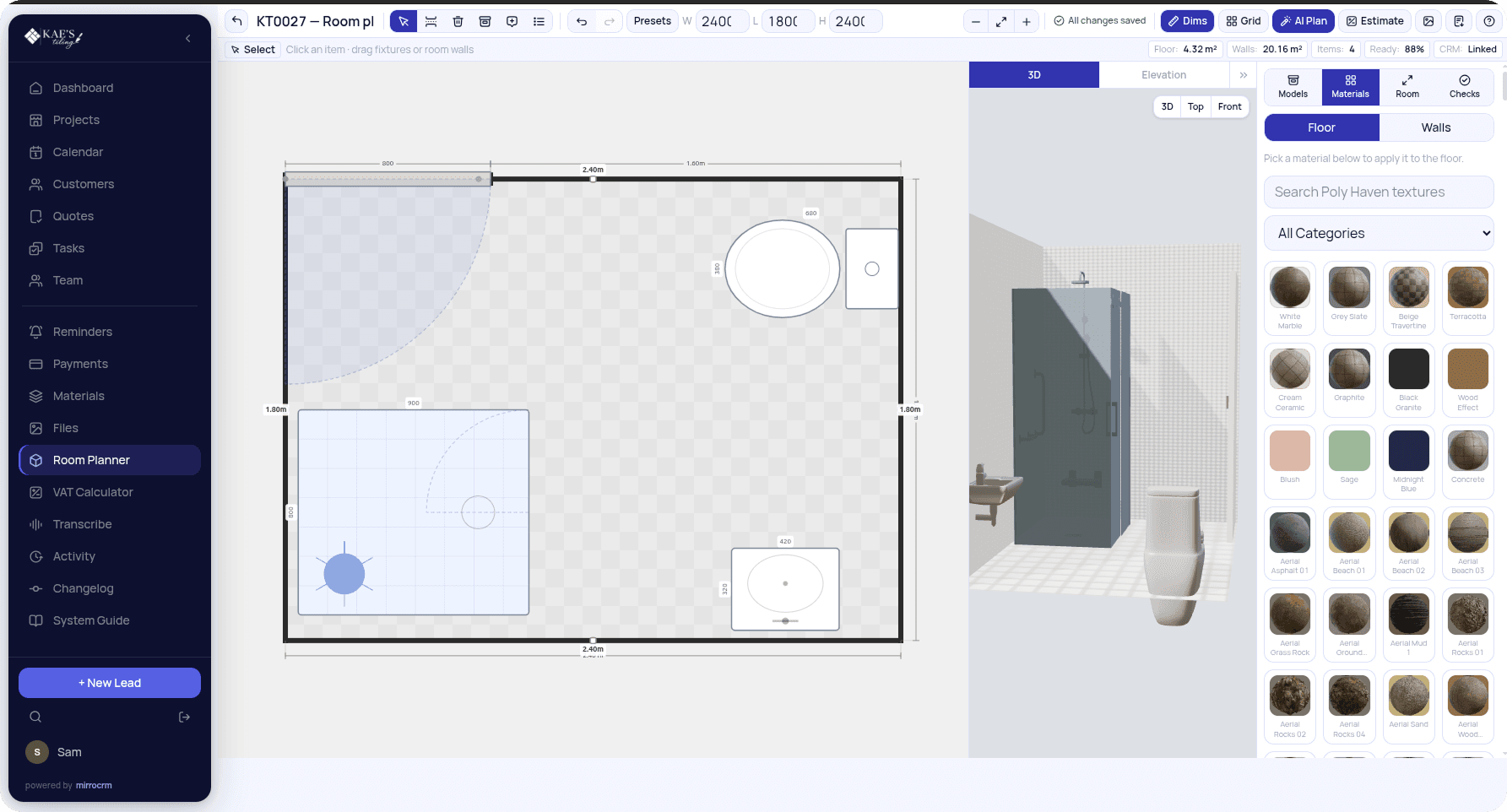
04 · Schedule
Approved work becomes a visible plan.
Accepted jobs land on a shared calendar with the assigned team, milestones and any schedule conflicts.05 · Deliver
The field team sees what matters on site.
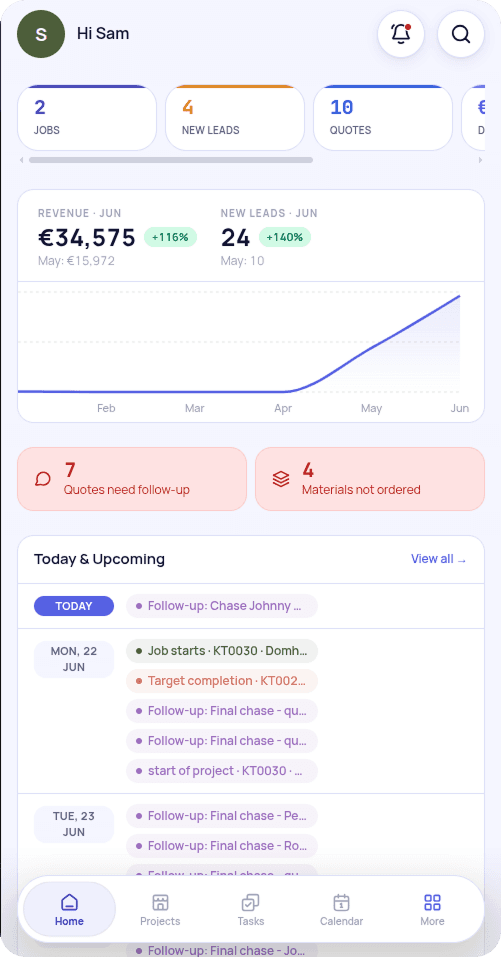
Tasks, files and project status stay readable from a phone when the work moves into the field.06 · Collect
Deposits, balances and costs close the loop.
Payments stay connected to the exact job, with supplier quotes, materials and margin in the same place.Everything stays connected
One record carries the work from first message to final payment.
Leads, quotes, tasks, files, materials, messages and payments stay attached to the same customer and project, so every handover starts with context.
LeadCustomerQuoteRoom planMaterialsTasksCalendarFilesPaymentsMessagesActivity
Customer & projectOne live record
One workspace, every handover
Run the job without losing the context.
One clear queue
See every enquiry the moment it arrives.
Website forms, calls and referrals land in the same queue with the source, owner and next action already set.- Source on every lead
- Clear owner
- Next action in view
LeadsEvery opportunity has a next step
The complete workspace
A complete workspace for the work behind the job.
Sales & customers
Lead managementEvery enquiry in one queue
Customer recordsContacts, address and history
Project pipelineStage and owner at a glance
Quote builderStructured scope and pricing
Customer quote linksShareable, customer-facing view
Quote approvalsTrack accepted and pending
Schedule & delivery
Job schedulingApproved work on the calendar
CalendarTeam plan in one view
TasksOwners and checklists per job
Project assignmentsWho is doing what
Files and photosProof where the work happens
Room plannerDimensions and layout
AI room plan generationDraft a plan in seconds
Money & materials
Supplier quotesCosts in from suppliers
Materials trackingOrdered, delivered and costed
VAT calculatorTax handled on the quote
DepositsUpfront amounts on the job
Final payment trackingKnow what is still due
Actual costs and marginWhat the job really made
Inbox & communication
Shared inboxCustomer email in context
Email repliesAnswer from the record
Internal email notesContext without the customer
Team messagesTalk next to the work
Voice callsCall members in-app
Call recordingsSaved against the job
TranscriptionCalls turned into text
Intelligence & admin
AI summariesThe gist of long threads
Daily AI briefingPriorities before the day starts
Global searchFind any record fast
NotificationsKnow what changed
Push notificationsReach the team on mobile
Daily digestA summary in one email
Role permissionsThe right view per role
Permission scopesLimit who sees what
Activity & audit logA record of every change
Workspace & access
Custom brandingYour colours and logo
Custom workspace domainRun it on your domain
PWA / mobile accessInstallable on any phone
Cleaning moduleCleaners, recurring jobs, issues
Simple pricing
A workspace that grows with the operation.
Starter
For one focused service team.
€29/month
- Up to 3 team members
- Leads and customer records
- Quotes and approvals
- One workspace
Team
For teams running the full job cycle.
€79/month
- Up to 15 team members
- Scheduling and tasks
- Payments and files
- Custom workspace domain
Business
For larger multi-team operations.
€189/month
- Unlimited team members
- Multiple workflows
- Advanced reporting
- Dedicated onboarding
FAQ
Straight answers.
What kind of CRM is MirroCRM?
An operating CRM for service businesses that sell work, quote it, schedule it and need clean follow-through after the sale.
Can a small team use it?
Yes. Start with one workspace and a focused workflow, then add people, permissions and modules as the operation grows.
Can we use it on site?
Yes. MirroCRM is responsive and installable as a PWA, so the team can reach jobs, tasks, files and updates from a phone.
Can we use our own domain?
Yes. Start on a workspace address and connect a business domain when you are ready.
Start with one workspace